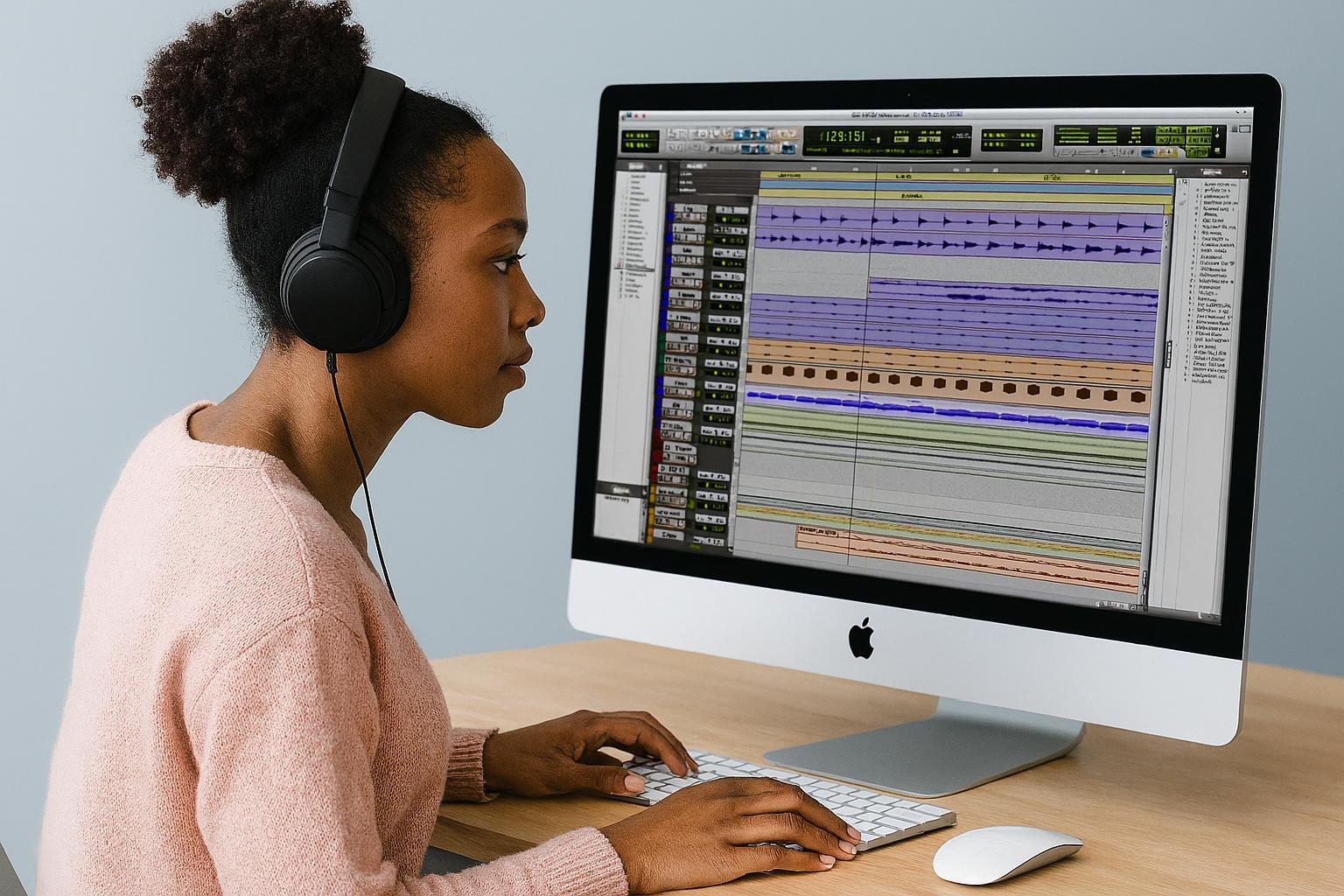
Dialogue Editing

Categories: Dialogue Editing
Wishlist Share

About Course

This  Dialogue Editing course provides a hands-on introduction to the essential skills and workflows used in professional film and television post-production. 

You will learn how to organise, sync, clean, and prepare dialogue tracks using industry-standard tools such as Pro Tools and iZotope RX. 

Each week focuses on a different stage of the dialogue editing process—from importing and session setup, to noise reduction, dialogue smoothing, and preparing for mix delivery. 

Whether you’re an aspiring sound editor, filmmaker, or audio post-production student, this course will equip you with practical techniques and real-world insights to confidently edit dialogue for screen. 

No prior experience required, but basic familiarity with audio editing software is recommended.

Show More

Course Content

1: Overview of Dialogue Editing & Workflow Basics
What is dialogue editing and where it fits in post Signal flow: production to post (sound reports, dailies, AAF) Common audio roles: editor, assistant, mixer Introduction to Pro Tools post session template Importing and organising audio and picture ©AV On the Edge

  • What is Dialogue Editing?
  • Understanding Audio Roles in Post
  • The Audio Post Workflow
  • OMF vs AAF: File Format Comparison
  • Introduction to the Post-Production Session Template
  • Importing and Organising Media
  • Importing AAF Files into Pro Tools
    03:34
  • Importing a Video File into Pro Tools
    01:22
  • The Invisible Edit
  • Organising Production Audio
  • Example Production Audio Naming Convention (Indie film)
  • Field Recorder Guide Track Workflow
    03:47
  • EdiLoad v6 Features
    00:00

2: Syncing, Track Layout & Scene Assembly
This module focuses on syncing audio to picture and organising your edit session for clarity and efficiency. Students will gain hands-on experience aligning boom and lav tracks to the video timeline, and learn to identify problematic takes or dialogue that may need to be re-recorded.

3: Cleaning Dialogue – Tools & Techniques
This module introduces the most common dialogue issues—background noise, clicks, rustle, and plosives—and how to fix them using industry-standard tools like iZotope RX. Students will learn essential cleanup workflows while balancing realism and subtlety. ©AV On the Edge

4: Editing for Continuity & Performance
In this module, students learn how to refine their dialogue tracks for smooth playback and emotional impact. This includes editing between takes, smoothing transitions, and ensuring consistent sound perspective throughout a scene. ©AV On the Edge

5: ADR Overview
In this module, you will explore the role of ADR in post, learn how to generate cue sheets, and understand how to communicate with mixers and supervisors during delivery and review stages.

6: Preparing for the Mix – Standards & Delivery
This module prepares students for professional collaboration with mixers and post houses. It focuses on how to finish and deliver a dialogue session in a clean, industry-standard format with correct stems and routing.

Student Ratings & Reviews

No Review Yet
No Review Yet

Want to receive push notifications for all major on-site activities?

✕